

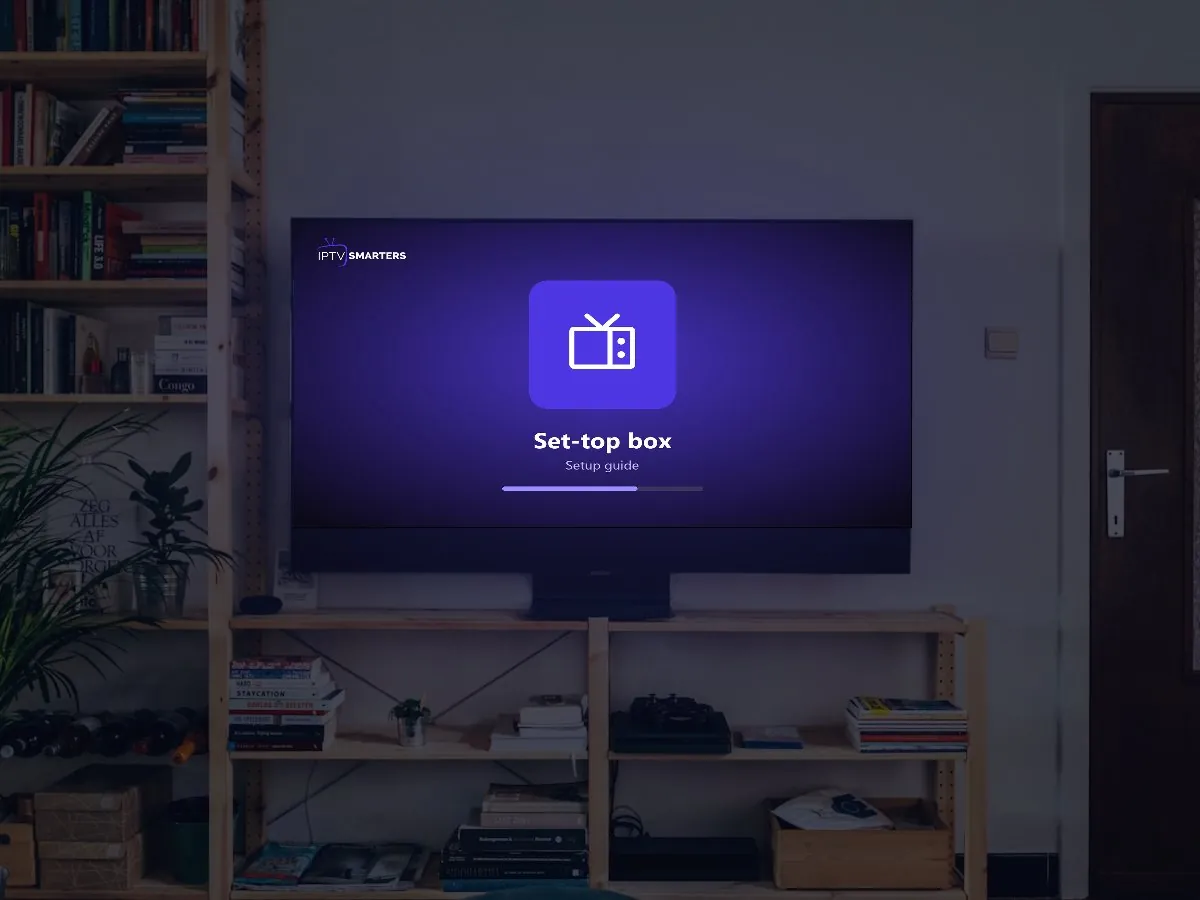
An IPTV set-top box is a small device that connects to your TV with an HDMI cable and to your home internet, and plays TV channels that arrive over the internet instead of a cable or satellite signal. It runs an IPTV app, you sign in with the login from your provider, and the channels, TV guide and movies appear. You do not always need one: many Smart TVs and every Firestick can do the same job. This guide explains what an IPTV set-top box is and whether you need one. For more background, see set-top boxes on Wikipedia.
IPTV set-top box at a glance
| Question | Answer |
|---|---|
| What does it do? | Receives TV over the internet and shows it on your TV through HDMI |
| What does it need? | A TV with HDMI, home internet, and an IPTV subscription |
| Does it include channels? | No. Channels come from your IPTV subscription |
| What does it cost? | About 70 to 300 CAD, depending on the type |
| Do you need one? | Only if your TV cannot run an IPTV app, or you want a cable-style remote |
The 4 types of IPTV set-top box
| Type | Examples | Approx. price (CAD) | Good to know |
|---|---|---|---|
| Streaming stick | Fire TV Stick 4K Max | 70 to 80 | Cheapest, plugs into the TV, enough for most homes |
| Android TV or Google TV box | Google TV Streamer, Nvidia Shield TV Pro | 100 to 260 | More memory, Ethernet, Google Play Store |
| Dedicated IPTV box | Formuler, BuzzTV, MAG | 150 to 300 | Cable-style remote and guide, built only for IPTV |
| Provider set-top box | The receiver that comes with a telecom TV service | Rented or included | Only works with that provider’s service |
The first three types work with any IPTV subscription that gives you a login. The fourth is different: TV services from telecom providers, such as Bell Fibe TV and Telus Optik TV, are also delivered over the internet protocol, but their receivers are locked to that service and cannot run other IPTV apps.
For model-by-model advice, see our guide to the best IPTV box in Canada and the best Android TV box.
How an IPTV set-top box works
- It connects to the TV with HDMI, and to your router by Wi-Fi or an Ethernet cable.
- It runs an IPTV app, such as IPTV Smarters, TiviMate or the box’s own app.
- You enter your login: a server address, a username and a password from your IPTV provider.
- The app loads the channel list and TV guide and plays the stream you choose.
The box only decodes and displays the picture. The channels themselves are sent by the provider’s servers, which is why the same box can work well with one service and badly with another. More detail in how IPTV gets its content.
Do you need an IPTV set-top box?
You do not need one if:
- You have a recent Samsung or LG Smart TV: IPTV apps install from the TV’s own store.
- Your TV runs Google TV or Android TV: install the app directly.
- You are happy watching on a phone, tablet or computer.
A set-top box helps if:
- Your TV is older or its app store has no IPTV app.
- The TV’s own software is slow with large channel lists.
- You want Ethernet for steadier live sports.
- You want a remote with channel and guide buttons, like a cable box.
IPTV set-top box vs cable box
| IPTV set-top box | Cable or satellite box | |
|---|---|---|
| Signal | Your home internet | Coaxial cable or a dish |
| Ownership | You buy it once | Often rented each month |
| Provider | Works with any IPTV login | Locked to one company |
| Installation | Plug in, install an app, sign in | Technician visit in many cases |
| Moving house | Take it with you | Service must be transferred |
We compare the monthly costs in IPTV vs cable in Canada.
How to set up an IPTV set-top box
- Plug the box into an HDMI port and connect it to your network.
- Install an IPTV app. On a Firestick, follow our Firestick guide; on Android TV, our Android TV guide.
- Enter the login from your provider and wait for the channels to load.
You can try it first with our 24-hour free trial, no credit card needed.
IPTV Set-Top Box: frequently asked questions
What is an IPTV set-top box?
A device that connects to your TV by HDMI and to the internet, and plays TV channels delivered over the internet through an IPTV app.
Is a Firestick an IPTV set-top box?
Yes, in practice. A Fire TV Stick does the same job as a box: it runs IPTV apps and plays the channels from your subscription.
Does an IPTV set-top box come with channels?
No. A normal box contains no channels. You add an IPTV subscription login in the app. Avoid boxes sold “fully loaded” with channels included.
Can I use an IPTV set-top box with any TV?
Yes, with any TV that has an HDMI port, including older TVs that are not smart.
How much does an IPTV set-top box cost in Canada?
From about 70 CAD for a streaming stick to about 300 CAD for a dedicated IPTV box. See IPTV box prices in Canada.
Need help?
Send us a message on WhatsApp with your TV or box model. Our team will walk you through the setup step by step, for free.