

TiviMate Premium is the paid upgrade of the TiviMate IPTV player. It unlocks recording, catch-up, multiple playlists, favourites management and multi-view on up to 5 Android TV or Firestick devices. It is sold by the app’s developer through the TiviMate Companion app, as a yearly plan or a one-time lifetime purchase. Premium is only the player: it includes no channels, so you still need an IPTV subscription to watch anything. This TiviMate Premium guide covers the price, the features and the activation steps. For more background, see TiviMate on Google Play.
TiviMate Premium at a glance
| Question | Answer |
|---|---|
| What is it? | A paid upgrade that unlocks the full TiviMate player |
| Who sells it? | The TiviMate developer, through the TiviMate Companion app on an Android phone |
| Price (2026) | About US$9.99 a year or about US$33.99 once for lifetime access (check the Companion app for today’s price) |
| Devices | Up to 5 devices on one Premium account |
| Works on | Firestick and Fire TV, Google TV, Android TV, NVIDIA Shield, Android boxes |
| Does not work on | Samsung and LG TVs, Apple TV, iPhone, Windows |
| Includes channels? | No. You add your own IPTV subscription |
Prices are set by the developer in US dollars and have changed over the years, so the price shown in the Companion app is the one that counts. In Canadian dollars, the lifetime option works out to roughly $45 to $50 CAD depending on the exchange rate.
TiviMate Premium cost in Canada (2026)
| Plan | Price (USD) | About in CAD | Per TV on 5 devices |
|---|---|---|---|
| Yearly | US$9.99 a year | about $14 CAD a year | under $3 CAD a year |
| Lifetime | US$33.99 to 37.99 once | about $45 to $50 CAD once | about $9 to $10 CAD, one time |
| Free version | $0 | $0 | 1 playlist, no recording or favourites |
Google Play charges Canadians in Canadian dollars, plus sales tax for your province, so the exact amount you pay depends on the exchange rate and where you live. Canadian users have reported the lifetime plan at about $44.99 CAD. The yearly plan renews every year through Google Play until you cancel it there; the lifetime plan is a single payment with no renewal.
Remember that TiviMate Premium is only the player. Your channels come from a separate IPTV plan: see our IPTV Canada prices for what a full setup costs per month.
TiviMate free vs Premium: what changes?
| Feature | Free | Premium |
|---|---|---|
| Live channels and TV guide | Yes | Yes |
| Number of playlists | 1 | Several |
| Favourites and custom channel groups | No | Yes |
| Catch-up from the guide | No | Yes, on supported channels |
| Recording and scheduled recording | No | Yes, with enough storage |
| Multi-view (several channels on one screen) | No | Yes, on capable devices |
| Hide channels and groups, reorder the list | Limited | Yes |
| Guide update and appearance settings | Basic | Full |
The free version is enough to test your channels. Premium is what makes TiviMate feel like a real cable box: your own favourites list, a guide you can scroll back in time, and recordings of games you miss.
How to buy TiviMate Premium
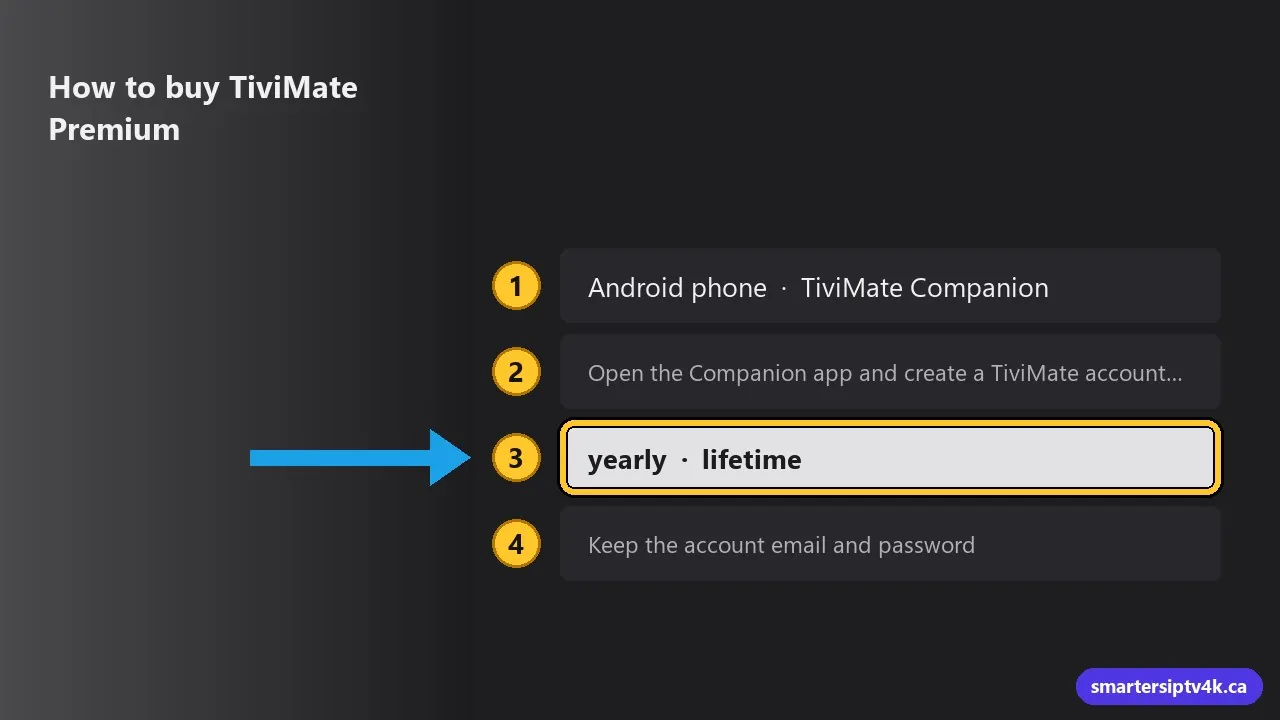
- On an Android phone, install TiviMate Companion from the Google Play Store. Premium is bought in this app, not on the TV.
- Open the Companion app and create a TiviMate account with your email address.
- Choose the yearly or lifetime plan and pay through Google Play.
- Keep the account email and password: you use them to activate each TV device.
No Android phone? Borrow one from a family member only to buy the plan: once it is bought, activation on the TV uses the account login, not the phone.
How to buy TiviMate Premium without an Android phone
The Companion app only exists for Android, so iPhone owners and Firestick-only homes have to get around that once. Any of these works:
- Borrow an Android phone or tablet for ten minutes. Sign in to Google Play with your own Google account, buy Premium in the Companion app, then sign out. The plan belongs to your TiviMate account, not to the phone.
- Use an Android tablet if you have one: the Companion app installs on tablets from Google Play too.
- Use an Android emulator on your computer, such as BlueStacks on Windows or Mac. Sign in to Google Play inside it, install TiviMate Companion and buy Premium there.
After that, you never need the phone again: each Firestick or Android TV is activated with the TiviMate account email and password.
How to activate Premium on Firestick or Android TV
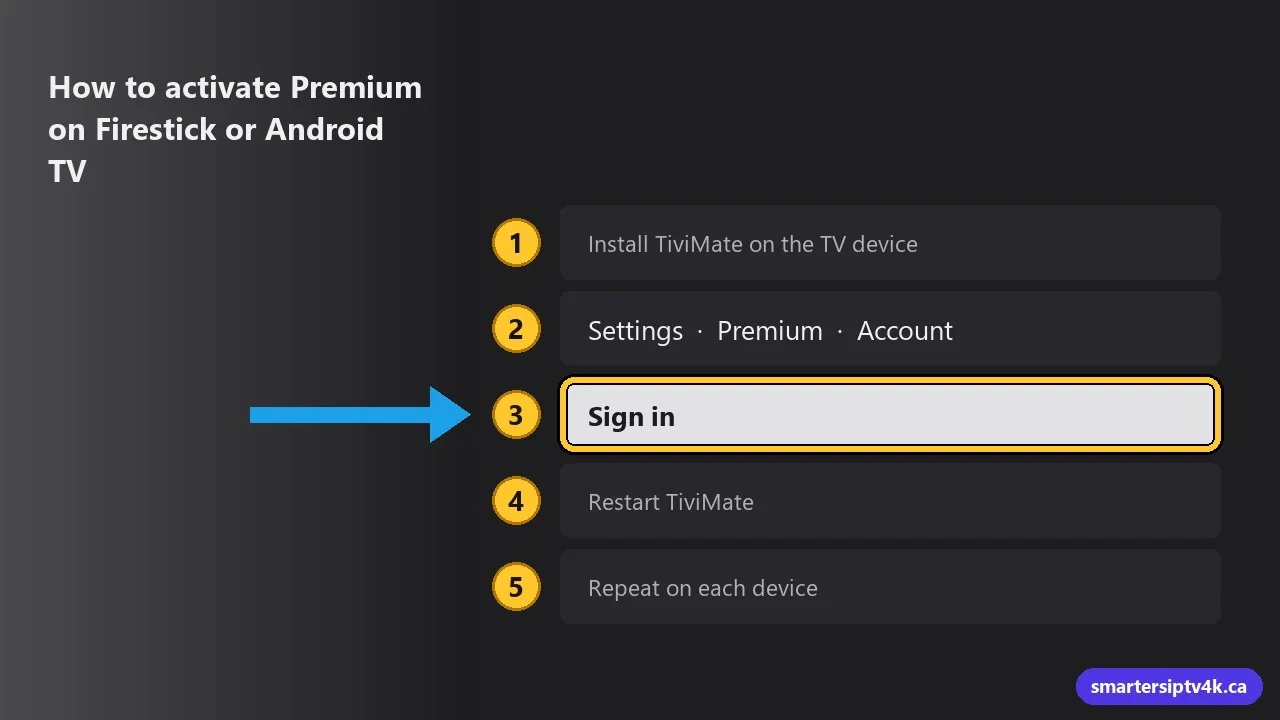
- Install TiviMate on the TV device. On Android TV and Google TV it is in the Google Play Store. On Firestick, it is not in the Amazon Appstore: follow our TiviMate setup guide, which covers the Downloader method.
- Open TiviMate and go to Settings, then Premium (or Account).
- Select Sign in and enter the TiviMate account email and password from the Companion app.
- Restart TiviMate. The Premium features now appear in the menus.
- Repeat on each device, up to 5 per account.
How to add your IPTV subscription to TiviMate
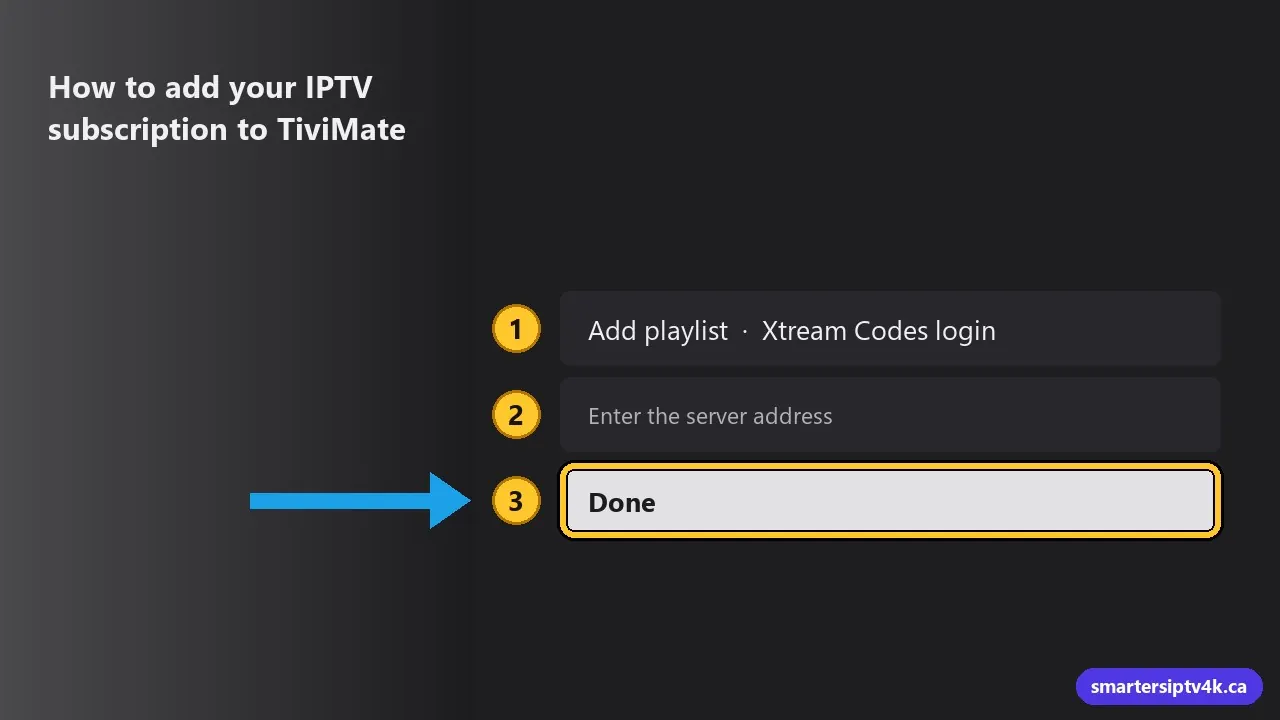
Premium does not include any channels. To watch, add your IPTV login:
- In TiviMate, select Add playlist, then Xtream Codes login.
- Enter the server address, username and password from your provider exactly as sent.
- Name the playlist and select Done. The channels and the TV guide load automatically.
With Smarters IPTV you get 30,000+ live channels, NHL and sports, Québec French channels and 120,000+ movies and series, and the login works in TiviMate on every plan. You can test it in TiviMate with our 24-hour free trial before you pay for anything. See the plans in Canadian dollars.
Is TiviMate Premium worth it in Canada?
Worth it if you:
- Watch on a Firestick, Google TV or Android TV and want the most cable-like guide.
- Follow NHL and other sports and want to record games or rewatch them with catch-up.
- Have several TVs: one account covers up to 5 devices, which lowers the cost per TV.
- Want a short, tidy favourites list instead of scrolling through thousands of channels.
Skip it if you:
- Watch on a Samsung or LG TV, Apple TV or iPhone: TiviMate does not run there. See our best IPTV apps for Smart TVs instead.
- Only watch a few channels and never record: the free version or IPTV Smarters Pro does the job.
For most Canadian households on a Firestick or Google TV, the lifetime plan pays for itself compared with a few months of a cable PVR rental.
Avoid “free TiviMate Premium” and modded APKs
Search results and video sites are full of “TiviMate Premium free” or “cracked APK” downloads. They are a bad idea:
- Modified APKs can carry malware and have access to your network and accounts.
- They break with each TiviMate update and often stop working without warning.
- They take income from the developer who keeps the app updated.
Buy Premium only in the official TiviMate Companion app. If the price is the issue, the free version plus a good IPTV service still works well. For more on app safety, see Get Cyber Safe (Government of Canada).
Your TiviMate Premium account and updates
How the TiviMate Premium account works
- One TiviMate account holds your Premium plan and can be signed in on up to 5 devices at the same time.
- To move Premium to a new TV, sign out on the old device in TiviMate’s settings, then sign in on the new one.
- Forgot the password? Reset it in the TiviMate Companion app with the account email.
- To cancel the yearly plan, cancel the subscription in Google Play, Payments and subscriptions on the Android device you bought it with. Premium stays active until the end of the paid year.
How to update TiviMate
On Google TV, Android TV and NVIDIA Shield, TiviMate updates through the Google Play Store like any other app; you can also open its Play Store page and select Update. On a Firestick, where TiviMate is installed with Downloader, install the newer version the same way you installed the first one. It installs over the old version and keeps your playlists, favourites and Premium sign-in.
If channels stop loading right after an update, restart the device and refresh the playlist in TiviMate’s settings before changing anything else.
Common TiviMate Premium problems
- Premium features do not appear: sign out and back in under Settings, then restart the app. Check that the device count on the account is under 5.
- Cannot buy on the TV: that is normal. Premium is bought in the Companion app on an Android phone.
- Recording fails: set a recording folder on a USB drive or a device with free storage. Firesticks have little space.
- Catch-up is missing on a channel: catch-up depends on the channel supporting it in your IPTV service, not only on Premium.
- Channels buffer: this is a network or service issue, not Premium. See our buffering fixes and internet speed guide.
TiviMate Premium: frequently asked questions
Is TiviMate free?
Yes, the basic TiviMate app is free on Firestick, Android TV and Google TV, with live channels and the TV guide for one playlist. Recording, catch-up, favourites and multiple playlists need TiviMate Premium.
Can I buy TiviMate Premium without an Android phone?
Yes. Borrow an Android phone or tablet for a few minutes, or run the Companion app in an Android emulator such as BlueStacks on a computer. Once bought, Premium is tied to your TiviMate account, so you activate your TVs with the account login.
Are TiviMate Premium codes safe to buy?
Premium is sold only through the TiviMate Companion app and your own TiviMate account. “Codes” or shared accounts sold elsewhere are not official and are often blocked later, so buy it in the Companion app.
How much is TiviMate Premium?
In 2026, TiviMate Premium costs about US$9.99 a year or about US$33.99 once for lifetime access, for up to 5 devices. The developer sets the price, so check the TiviMate Companion app for the current amount.
Does TiviMate Premium include channels?
No. TiviMate is only a player. You need an IPTV subscription, such as Smarters IPTV, and you add its login to TiviMate.
How many devices can use one TiviMate Premium account?
Up to 5 devices. Sign in with the same TiviMate account on each Firestick or Android TV device.
Can I buy TiviMate Premium on a Firestick?
No. You buy it in the TiviMate Companion app on an Android phone, then sign in on the Firestick to activate it.
Does TiviMate work on Samsung, LG or Apple TV?
No. TiviMate runs only on Android-based devices such as Firestick, Google TV, Android TV and Android boxes. On other TVs, use an app like IPTV Smarters Pro.
Is TiviMate Premium lifetime worth it?
If you plan to use TiviMate for more than three years or on several TVs, the lifetime plan costs less than paying every year.
Can I try TiviMate with Smarters IPTV before paying?
Yes. Request the 24-hour free trial, add the login to the free version of TiviMate, and check your channels, the guide and live sports before buying anything.