


Before you blame your IPTV service or upgrade your internet plan, it helps to know how much speed live TV really needs. The answer is less than most people think. Most Canadian internet plans are more than fast enough; the problem is usually getting that speed from the router to the TV. In short, the internet speed for IPTV you need is about 10 Mbps per HD screen and 25 Mbps for 4K. For more background, see Speedtest.
Quick answer
| Picture quality | Minimum steady speed | Comfortable speed |
|---|---|---|
| SD | 3 to 5 Mbps | 10 Mbps |
| HD (720p) | 8 to 10 Mbps | 15 Mbps |
| Full HD (1080p) | 12 to 15 Mbps | 25 Mbps |
| 4K (2160p) | 25 Mbps | 40 Mbps or more |
These are speeds per screen, measured on the device you watch on. The “comfortable” column leaves room for other people in the home and for the normal ups and downs of any connection.
Why steady speed matters more than top speed
Live TV is sent as a continuous stream. If your speed drops below what the channel needs, even for a few seconds, the picture freezes while the app waits for data. A connection that tests at 100 Mbps but drops to 5 Mbps every few minutes will buffer more than a steady 30 Mbps connection.
That is why the same speed test result can mean smooth streaming in one home and constant freezing in another. What matters is how consistent the speed is at the TV.
How to work out the speed your home needs
Add up everything that might run at the same time on a busy evening:
- Each IPTV screen: 15 Mbps for HD, 25 Mbps for 4K.
- Each other video stream (Netflix, YouTube): 5 to 25 Mbps.
- Video calls: about 3 to 4 Mbps each.
- Online gaming: 5 Mbps, but game downloads can take everything you have.
Example: one 4K TV (25), one HD TV (15), a teenager on YouTube (10) and a video call (4) comes to about 54 Mbps. A 75 Mbps plan handles that; a 250 Mbps plan gives lots of room. Most Canadian cable and fibre plans today are well above this.
How to test your speed properly
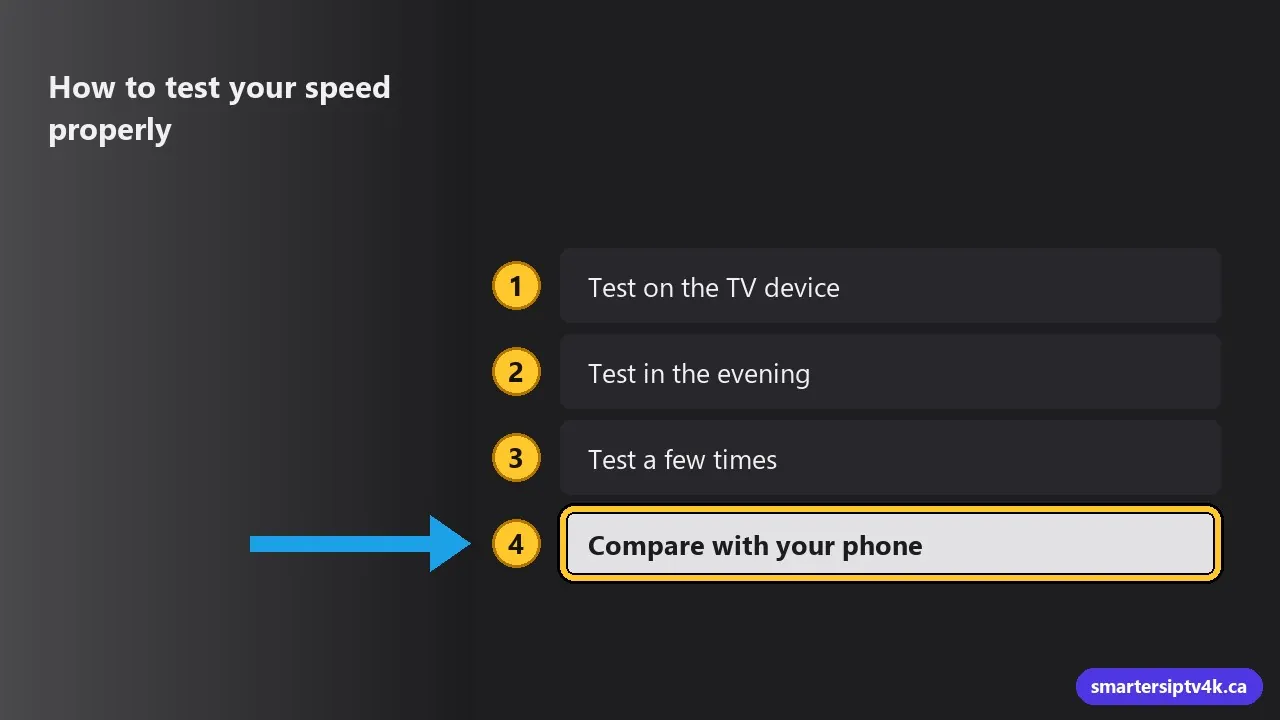
- Test on the TV device, not your phone. Phones usually have better Wi-Fi than a streaming stick behind a TV. On Firestick and Android TV, install a speed test app from the store.
- Test in the evening, when your home and your neighbourhood are busiest.
- Test a few times and look at the lowest result, not the best one.
- Compare with your phone standing next to the router. If the phone gets 200 Mbps next to the router and the TV gets 12 Mbps, your plan is fine and the Wi-Fi is the bottleneck.
Wi-Fi: where most speed is lost
Every wall, floor and appliance between the router and the TV cuts the speed. Metal and water (fridges, aquariums, the back of the TV itself) are the worst. A few ways to get your full speed to the TV:
- Ethernet cable: the best option by far. Full speed, no drops. Most TVs and boxes have a port; Firesticks need Amazon’s Ethernet adapter.
- 5 GHz Wi-Fi: much faster than 2.4 GHz at short range. If your router shows two networks, connect the TV device to the 5 GHz one.
- Mesh Wi-Fi: several small units spread through the house. Ideal for larger homes, basements and houses with the router at one end.
- Powerline adapters: send the connection through your electrical wiring to an outlet near the TV. A good fix when running a cable is not possible.
- Router placement: put the router high up, in the open, near the middle of the home. Not in a cabinet or on the floor behind the couch.
Upload speed, ping and data caps
- Upload speed barely matters for watching IPTV. Download speed is what counts.
- Ping (latency) under 100 ms is fine for streaming. It matters more for gaming.
- Data caps: IPTV uses a lot of data. HD uses roughly 2 to 3 GB per hour, and 4K about 7 GB per hour or more. If your plan has a monthly cap, a family watching several hours a day can reach it. Most Canadian home plans now offer unlimited data, which is the best choice for IPTV.
Is my internet provider slowing IPTV down?
If buffering happens on every device, only at certain hours, and your speed test on the TV is fine at other times, your provider’s network may be congested in the evening. Contact your provider first. Some viewers find a VPN helps in this situation. Read can internet providers block IPTV and do you need a VPN for IPTV.
Speed is fine but it still buffers?
Then look at the device and the app: clear the cache, update the app, try a different player setting, or use an HD version of the channel. Our 8 fixes for IPTV buffering go through each step. Very old streaming sticks can also struggle; see our guide to the best IPTV box in Canada.
Speed by type of internet in Canada
- Fibre (FTTH): the best for IPTV. Fast, steady and rarely congested. Any fibre plan handles several 4K screens.
- Cable: fast and widely available in cities. Speeds can dip in the evening in busy neighbourhoods, so leave some headroom.
- DSL: depends heavily on your distance from the exchange. Many DSL lines give 10 to 25 Mbps, which is fine for one HD screen but tight for 4K.
- 5G and LTE home internet: often fast enough for HD and 4K, but the speed changes with signal strength and the time of day. Place the modem near a window.
- Rural fixed wireless: works for HD if you get a steady 10 Mbps or more. Watch for data caps.
Whatever the type, the rule is the same: measure on the TV device, in the evening, and compare with the table at the top of this page.
Planning to watch in 4K? Our guide to 4K IPTV in Canada covers the speed, the TV and the devices you need for a sharp picture.
Internet Speed for IPTV: frequently asked questions
Is 50 Mbps enough for IPTV?
Yes, for one or two screens in HD, or one 4K screen, as long as the TV gets most of that speed. For three or more screens at once, 100 Mbps or more is more comfortable.
Can I watch IPTV on mobile data?
Yes, on 4G LTE or 5G with a good signal. Keep an eye on your data: an hour of HD uses several gigabytes. Our iPhone and iPad guide has tips for watching on the go.
Does satellite or rural internet work?
Low-earth-orbit satellite internet often gives enough speed for HD. Older satellite and fixed wireless plans with low speeds or small data caps may struggle. Test with a free trial before subscribing.
Test it on your own connection
The only test that really counts is watching live TV on your own TV and internet. Start a free trial, watch a game in the evening, and send us your speed test result if anything freezes. We will help you find the cause.