

Search for IPTV and you will see VPN ads everywhere, often claiming you “must” use one. The honest answer is simpler: you do not need a VPN to make IPTV work. Your app, your login and your internet connection are enough. A VPN can help in a few specific situations, and it can also make streaming worse if you choose badly. Here is when a VPN for IPTV makes sense, and when it does not. For more background, see Get Cyber Safe (Government of Canada).
This guide explains what a VPN does, when it is worth it, when it is not, and how to pick and set one up if you decide to use it.
VPN for IPTV: the quick answer
| Your situation | Do you need a VPN for IPTV? |
|---|---|
| IPTV plays fine at every time of day | No. A VPN adds nothing here. |
| Streams slow down every evening or during big games, but speed tests look fine | Worth a try: your internet provider may be slowing video traffic. |
| You watch on public or shared Wi-Fi | Yes, for privacy. |
| Your connection is slow or your Wi-Fi is weak | No. A VPN uses some speed; fix the connection first. |
What a VPN does
A VPN (virtual private network) creates an encrypted tunnel between your device and a VPN server. Your internet traffic goes through that tunnel before reaching the internet. Two things change:
- Your internet provider can see that you are connected to a VPN, and how much data you use, but not what you are doing inside the tunnel.
- The websites and services you use see the VPN server’s address instead of your home address.
A VPN does not make your internet faster by itself. Your data takes a longer route, so speed usually drops a little.
When a VPN can help IPTV
Your provider slows down video at busy times
If streams buffer on every device, only at certain hours, while speed tests are fine at other times, your provider’s network may be congested or managing video traffic. Because a VPN hides the type of traffic, it can sometimes give a smoother evening picture. Read can internet providers block IPTV to check whether this applies to you.
Privacy
Some people simply prefer that their provider does not see which services they use. That is a personal choice, and a VPN is a reasonable tool for it.
Public Wi-Fi
On hotel, airport or café Wi-Fi, a VPN protects everything you do on the network, including your IPTV login.
When a VPN does not help
- Weak Wi-Fi at home: if the TV has a poor signal, a VPN cannot fix it. Use Ethernet or 5 GHz Wi-Fi. See IPTV buffering fixes.
- A slow internet plan: a VPN adds overhead, so it makes a slow connection slower.
- An old device: VPN encryption uses processing power. On a basic Firestick, running a VPN and a 4K stream at once can cause stutter.
- Legal questions: a VPN does not change whether content is licensed. See is IPTV legal in Canada.
How to choose a VPN for streaming
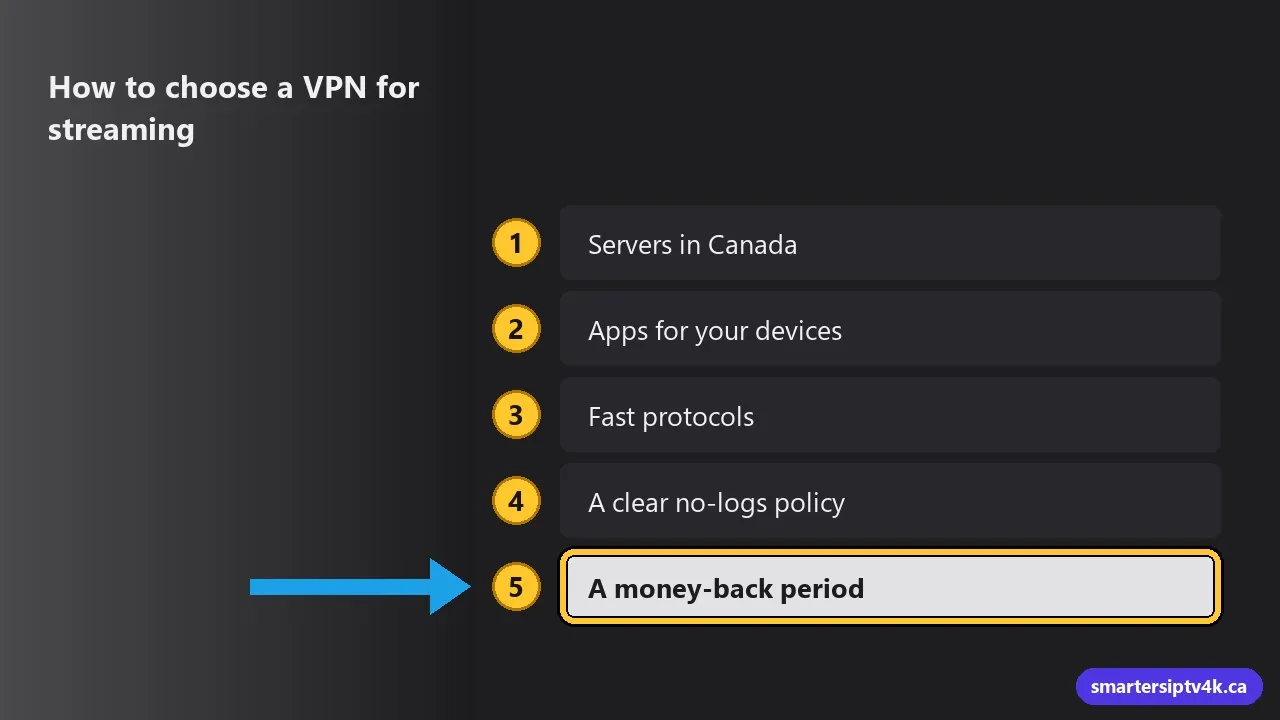
If you decide to use one, pick a reputable paid service. Look for:
- Servers in Canada, ideally in or near your city. Close servers keep speeds high.
- Apps for your devices: Firestick, Android TV, Apple TV, iPhone and Windows.
- Fast protocols such as WireGuard (sometimes branded differently by each company).
- A clear no-logs policy, ideally independently audited.
- A money-back period, so you can test it with your IPTV on your own connection.
Avoid free VPNs for streaming. They are usually slow, often limit data, and some make money from your browsing data, which defeats the purpose.
How to set up a VPN with IPTV
On Firestick and Android TV
- Install your VPN’s app from the Amazon Appstore or Google Play.
- Log in, choose a Canadian server close to you, and connect.
- Open your IPTV app and watch as usual. The VPN keeps running in the background.
Our step-by-step guide with IPTV Smarters is here: how to add a VPN to IPTV Smarters Pro.
On Apple TV
Recent versions of tvOS support VPN apps from the App Store. Install your VPN’s Apple TV app, connect, then open your IPTV player.
On Samsung and LG TVs
Most Smart TVs cannot run VPN apps. Options are a VPN set up on your router (protects every device in the home) or a streaming stick that can run the VPN app.
Get the best speed with a VPN
- Choose the closest server, not a random one far away.
- Use the WireGuard protocol or your VPN’s fastest option.
- Use split tunnelling if your VPN app offers it, so only the IPTV app goes through the VPN.
- Run a speed test with the VPN on and off. If the VPN costs you more than a third of your speed, try another server.
VPN for IPTV: frequently asked questions
Is using a VPN legal in Canada?
Yes. VPNs are legal and widely used by businesses and individuals in Canada.
Will a VPN stop buffering?
Only if the buffering is caused by your provider slowing video traffic. If the cause is Wi-Fi, device or plan speed, it will not, and it may make things slightly worse.
Do you require a VPN?
No. Our service works without one. If you use a VPN and have trouble, turn it off and test again, then message us with the result.
Should I connect to a server in another country?
For watching in Canada, a nearby Canadian server gives the best speed and the right time zone in apps.
Does a VPN slow down IPTV?
A little. Encryption and the extra hop usually cost 10 to 20 percent of your speed, more on a distant server. On a fast connection you will not notice; on a slow one you might, so pick a server close to you in Canada.
Is a free VPN good enough for IPTV?
Usually not. Free VPNs tend to cap speed or data and get crowded in the evening, which is exactly when you watch. If you need a VPN, a paid one with Canadian servers works better.
Need help?
Not sure whether a VPN would help your setup? Send us your device and a speed test with and without the VPN, and we will tell you honestly. New to Smarters IPTV? Start a free trial and test on your own connection.