

IPTV Smarters Pro works fine without a VPN. But if your internet provider’s network gets congested in the evening, or you simply want more privacy, running a VPN alongside the app is easy. This guide shows how to set it up on each device, which settings keep your stream fast, and how to fix problems the VPN can cause. Here is how to use a VPN with IPTV Smarters Pro, step by step, and when it is worth it. For more background, see Get Cyber Safe (Government of Canada).
Not sure whether you need one at all? Read do you need a VPN for IPTV first.
How a VPN works with IPTV Smarters
Older versions of IPTV Smarters had a VPN section inside the app where you could load a configuration file. Most people now use the VPN provider’s own app instead, which is simpler and more reliable: you connect the VPN once, and every app on the device, including IPTV Smarters, goes through it.
Before you start
- A paid VPN subscription with apps for your device and servers in Canada. Avoid free VPNs for streaming; they are slow and often limit data.
- Your IPTV Smarters app already set up and working. If not, start with the IPTV Smarters login guide.
- A speed test app, so you can compare speed with and without the VPN.
On Firestick and Fire TV
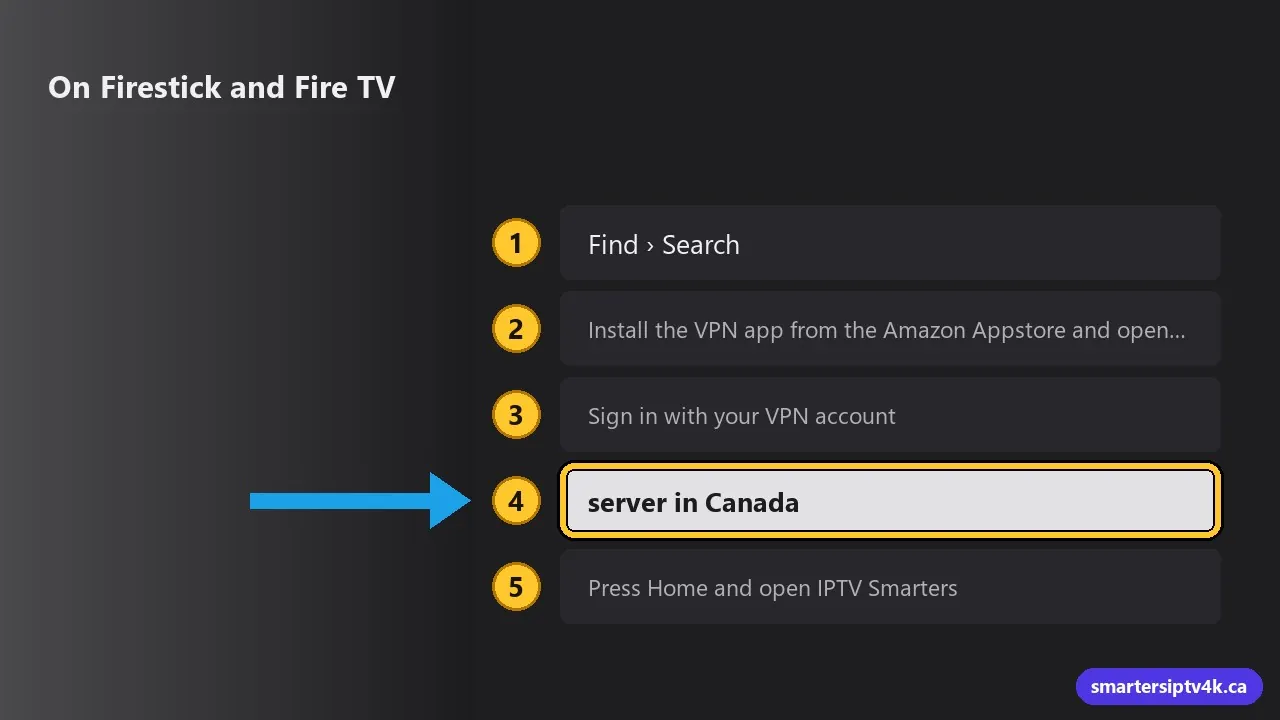
- From the home screen, go to Find > Search and type your VPN’s name.
- Install the VPN app from the Amazon Appstore and open it.
- Sign in with your VPN account.
- Choose a server in Canada close to you (for example Toronto, Montreal or Vancouver) and connect. Accept the connection request that Fire OS shows.
- Press Home and open IPTV Smarters. Watch as usual.
Firesticks have limited power. If 4K channels stutter with the VPN on, choose the HD version or a lighter protocol (see below). More Firestick tips in the Firestick guide.
On Android TV, Google TV and NVIDIA Shield
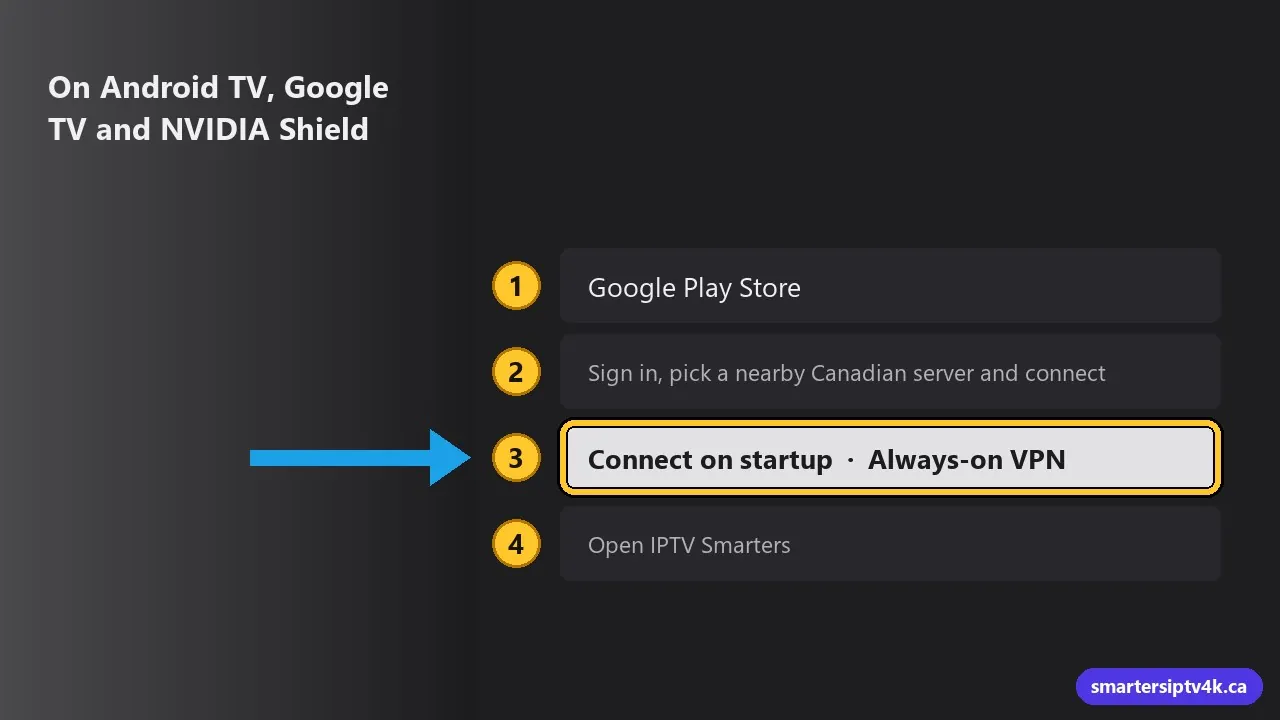
- Open the Google Play Store and install your VPN app.
- Sign in, pick a nearby Canadian server and connect.
- Turn on Connect on startup or Always-on VPN in the VPN app if you want it to run all the time.
- Open IPTV Smarters.
On Android phones and tablets
Install the VPN app from Google Play, connect to a Canadian server, then open IPTV Smarters. On mobile data, remember a VPN adds a little data usage.
On iPhone, iPad and Apple TV
Install your VPN’s app from the App Store, sign in and connect. Then open Smarters Player Lite or your IPTV player. Recent versions of tvOS support VPN apps on Apple TV; check that your VPN offers an Apple TV app. See IPTV on iPhone and IPTV on Apple TV.
On Samsung and LG Smart TVs
Smart TVs generally cannot run VPN apps. Your options:
- VPN on the router: many VPN services explain how to set this up on compatible routers. Every device in your home is then covered.
- Use a streaming stick: run the VPN and IPTV Smarters on a Firestick or Google TV plugged into the TV.
Settings that keep your stream fast
- Nearest server: pick the Canadian city closest to you. Far servers add delay and reduce speed.
- Fast protocol: choose WireGuard, or your VPN’s own fast protocol (often named differently by each company). Avoid older, slower protocols on streaming sticks.
- Split tunnelling: if your VPN supports it, route only IPTV Smarters through the VPN and let other apps use your normal connection.
- Test both ways: run a speed test with the VPN on and off. If you lose more than about a third of your speed, try a different server.
Problems a VPN can cause, and fixes
Channels will not load with the VPN on
Disconnect the VPN and try again. If channels work without it, switch to a different VPN server, preferably in Canada, and reconnect.
Buffering got worse
The VPN server may be busy or far away. Change server, change protocol, or turn the VPN off for live sports. Also run through our buffering fixes, since Wi-Fi issues still apply.
TV guide times are wrong
A server in another country can change the time zone some apps detect. Use a Canadian server in your own time zone, and check the time shift setting described in our EPG guide.
Other apps stopped working
Some streaming and banking apps block VPN connections. Use split tunnelling or disconnect the VPN when using them.
VPN With IPTV Smarters Pro: frequently asked questions
Does IPTV Smarters still have a built-in VPN?
Some versions include a VPN section that accepts configuration files from a VPN provider. Using the VPN provider’s own app is easier and works on more devices.
Is a VPN legal in Canada?
Yes. VPNs are legal and common for privacy and security.
Do I need to keep the VPN on all the time?
No. Many people only turn it on when they notice evening slowdowns. It is your choice.
Need help?
If the VPN and IPTV Smarters are not playing well together, send us your device, VPN name and a speed test with and without it. We will help you find the best setting. New here? Start a free trial.