


IBO Player Pro is a media player for Smart TVs, Android and Fire TV. This guide explains what it is, which devices it supports, how to add your playlist and how activation works. The IBO Player Pro store list and activation steps come from the developer’s site. For more background, see the official IBO Player Pro website.
What is IBO Player Pro?
IBO Player Pro is a player for M3U playlists. Its official site says it does not sell or offer any content, channels, movies or series. It supports every resolution up to 4K and has favourites, parental control and language selection for movies and series. It has its own website and its own activation, separate from IBO Player, so check which of the two apps you installed.
Supported TVs and devices
| Device or system | Supported |
|---|---|
| Samsung Smart TV | Yes |
| LG | Yes |
| Roku | Yes |
| Android TV, Android phones and tablets (Google Play) | Yes |
| Amazon Fire TV (APK) | Yes |
| iPhone, iPad and Apple TV (App Store) | Yes |
| Windows | Yes |
| ZEASN / Whale OS | Yes |
How to set up IBO Player Pro
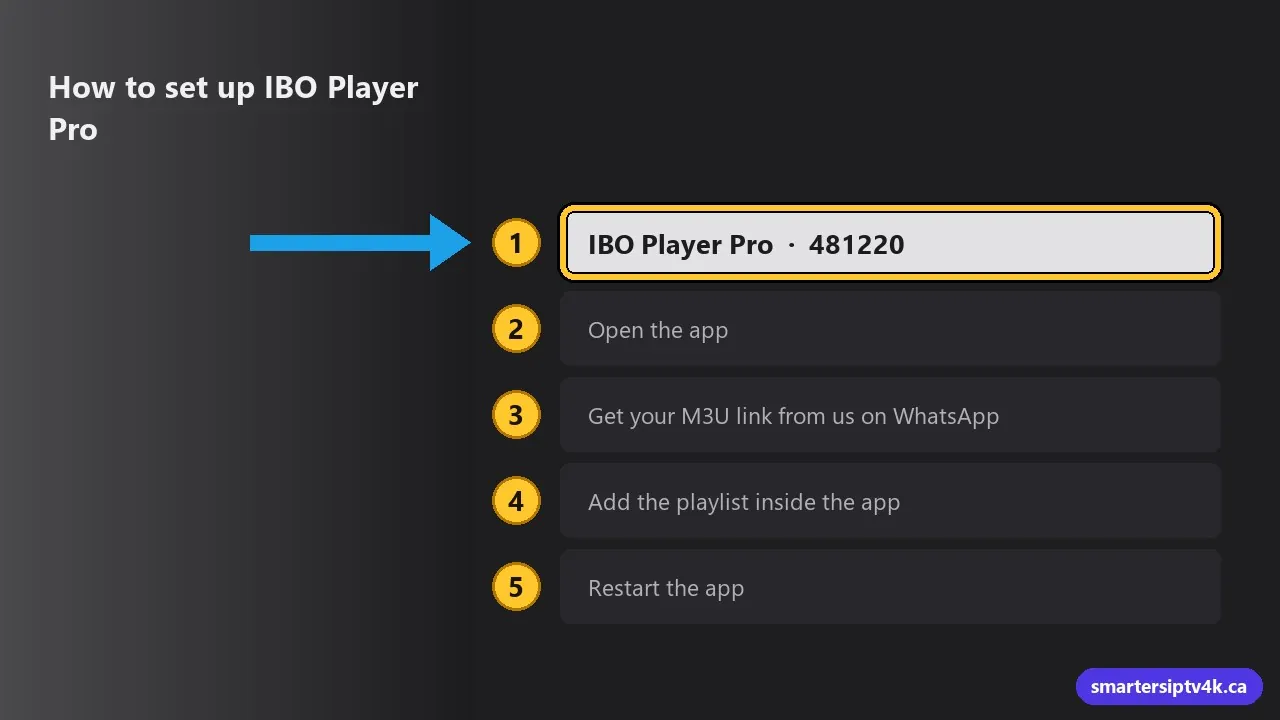
- Install IBO Player Pro from your device’s app store. On a Firestick, open the Downloader app and enter the code 481220 given on the official site.
- Open the app.
- Get your M3U link from us on WhatsApp.
- Add the playlist inside the app, or on the official website in the playlist management section.
- Restart the app. Your channels load.
Want to test first? Ask for the 24-hour free trial and use it in IBO Player Pro.
Is IBO Player Pro free?
The download is free, but the official site says the app is activated with an in-app purchase. The price is not shown on the site and can differ by store, so check it in the app before you pay. The activation is for the app only and includes no channels.
Common problems and fixes
- No channels after adding the playlist: check that the M3U link is complete, then restart the app.
- I paid for IBO Player and this app asks for activation: they are two different apps, each with its own activation.
- Buffering: usually Wi-Fi. See IPTV buffering fixes and internet speed for IPTV.
Compare more players in the best IPTV apps for Smart TVs in Canada.
IBO Player Pro: frequently asked questions
Does IBO Player Pro include channels?
No. Its official site says it does not sell or offer content. You need a playlist or an IPTV subscription.
Is IBO Player Pro the same as IBO Player?
No. They are different apps, each with its own website and activation.
How do I install IBO Player Pro on a Firestick?
With the Downloader app and the code 481220 given on the official site.
Does your service work with IBO Player Pro?
Yes. We send the M3U link and help you set it up on WhatsApp.