

Smarters Player Lite is the iPhone and iPad version of the IPTV Smarters player, published on the App Store by WHMCS SMARTERS. It is free, highly rated and works with almost any IPTV service that gives you Xtream Codes details or an M3U link. This guide shows how to install it, log in, send the picture to your TV and fix the most common errors. This Smarters Player Lite guide uses the current App Store version. For more background, see Smarters Player Lite on the App Store.
What is Smarters Player Lite?
Smarters Player Lite is a media player: it plays the playlist your IPTV provider gives you, with live TV, a TV guide, movies and series. It does not include any channels. On the App Store it is listed as free, needs iOS or iPadOS 15.6 or later, and runs on iPhone and iPad.
| Smarters Player Lite | |
|---|---|
| Publisher | WHMCS SMARTERS |
| Price | Free on the App Store |
| Devices | iPhone and iPad (iOS 15.6 or later) |
| Login types | Xtream Codes API, M3U playlist |
| Channels included | None, you add your own service |
Note: the full “IPTV Smarters Pro” name you see on Android is not what you install on iPhone. On Apple devices, look for Smarters Player Lite.
How to install Smarters Player Lite
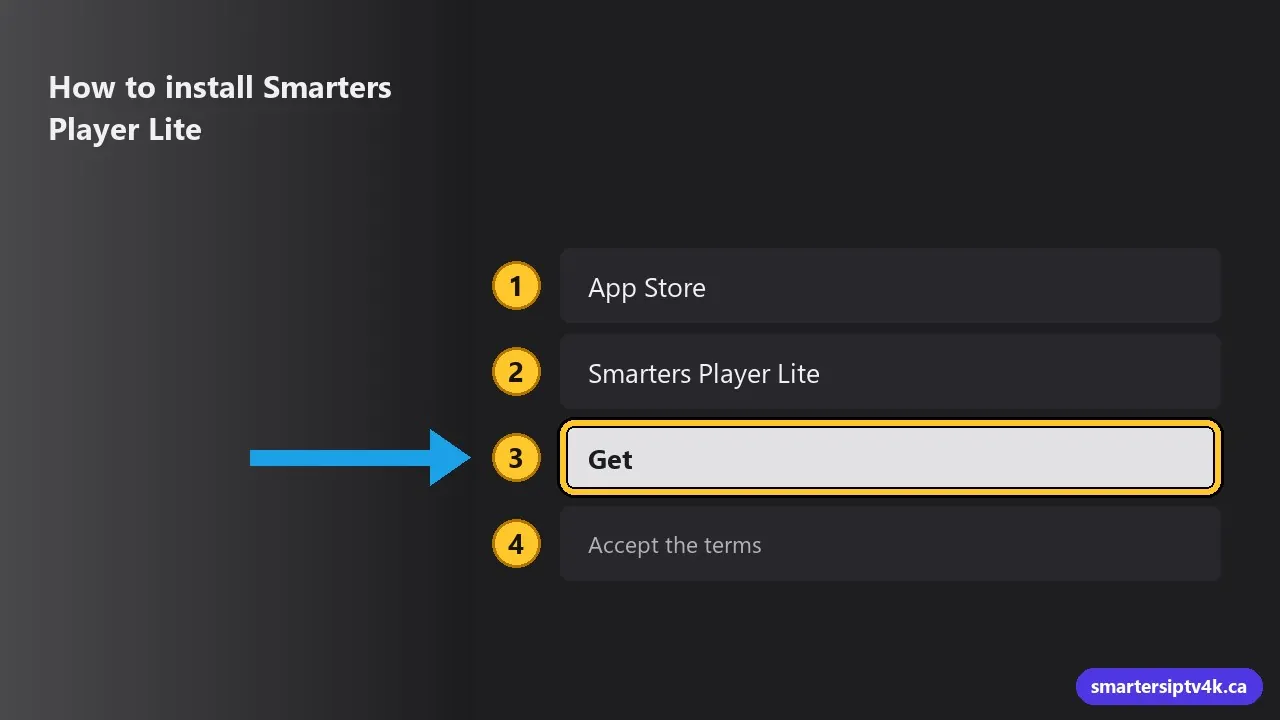
- Open the App Store on your iPhone or iPad.
- Search for Smarters Player Lite and check that the seller is WHMCS SMARTERS.
- Tap Get and open the app when it is installed.
- Accept the terms. You will land on the login screen.
How to log in with your IPTV service
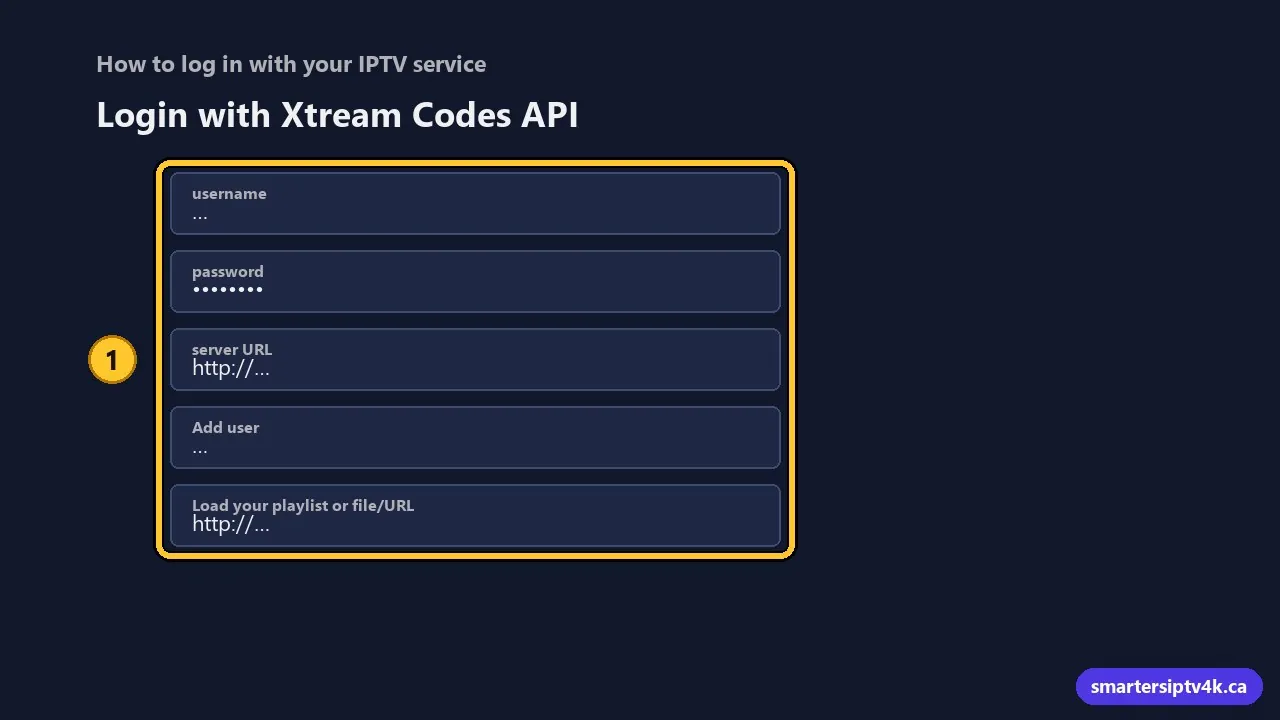
- Choose Login with Xtream Codes API. It loads live TV, movies, series and the TV guide in one step.
- Enter any name for the profile, then the username, password and server URL we send you on WhatsApp.
- Tap Add user. The app downloads your channels and guide.
- If you only have an M3U link, choose Load your playlist or file/URL instead and paste the link.
No account yet? Ask for our 24-hour free trial and test it on your iPhone first. The login steps are the same as in our IPTV Smarters Pro login guide.
Watch on your TV with AirPlay
Start a channel, tap the AirPlay icon in the player and choose your Apple TV or AirPlay-compatible Smart TV. For a full-time TV setup, an app installed directly on the TV is more stable. See IPTV on Apple TV and IPTV on iPhone and iPad.
Common problems and fixes
- “Invalid username or password”: check for extra spaces and copy the server URL exactly, including http:// and the port.
- Channels load but buffer: switch to 5 GHz Wi-Fi or move closer to the router. More in IPTV buffering fixes.
- Empty TV guide: open Settings in the app and refresh the EPG, then wait a few minutes.
- App closes on launch: update iOS and the app, or delete and reinstall it.
Smarters Player Lite: frequently asked questions
Is Smarters Player Lite free?
Yes. It is listed as free on the App Store. You still need an IPTV subscription for channels.
Is Smarters Player Lite the same as IPTV Smarters Pro?
It comes from the same publisher and works the same way, with Xtream Codes or M3U login. Smarters Player Lite is the name of the app on iPhone and iPad.
Does it work on Apple TV?
You can send the picture from your iPhone with AirPlay. For apps that run on Apple TV itself, see our Apple TV guide.
Does your service work in Smarters Player Lite?
Yes. We send Xtream Codes details and an M3U link, and we can help you log in on WhatsApp.