

SmartOne IPTV is a Smart TV player that runs on more TV brands than most IPTV apps, including Samsung, LG, Hisense and TCL. That makes it a good choice when your TV cannot install IPTV Smarters or TiviMate. This guide explains which TVs it supports, how to install it, how to add your playlist and how to fix common problems. The SmartOne IPTV device list comes from the developer’s site. For more background, see the official SmartOne IPTV website.
What is SmartOne IPTV?
SmartOne IPTV is a video player. Its official site says it offers no channels, subscriptions or content of any kind. It plays the M3U playlist or Xtream Codes account you get from your IPTV provider.
Supported TVs and devices
| Brand or system | Supported |
|---|---|
| Samsung (Tizen and Orsay) | Yes |
| LG (webOS and Netcast) | Yes |
| Android TV and Google TV | Yes |
| Amazon Fire TV and Fire TV Stick | Yes |
| VIDAA (Hisense, Toshiba) | Yes |
| Foxxum (Panasonic, TCL, Sharp) and Vestel (Hitachi, Telefunken) | Yes |
How to install SmartOne IPTV
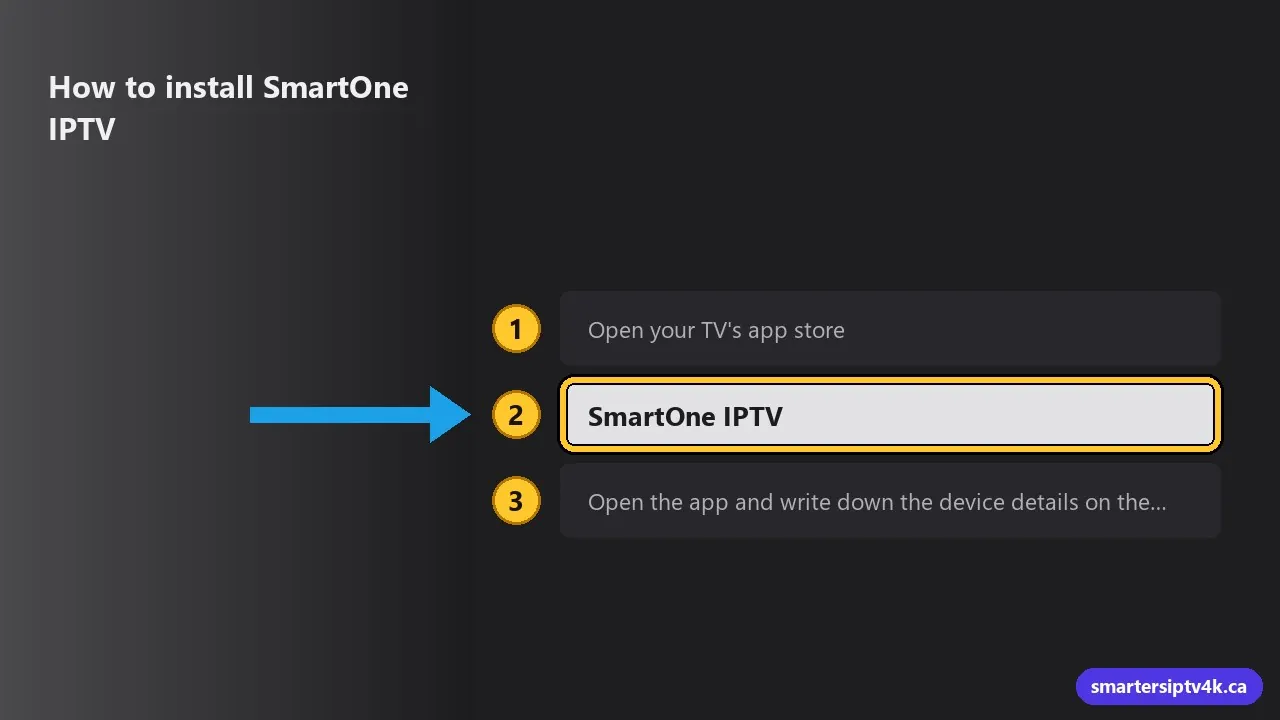
- Open your TV’s app store (Samsung Apps, LG Content Store, VIDAA Store or Google Play).
- Search for SmartOne IPTV and install it.
- Open the app and write down the device details on the screen (MAC address or device code). You need them to add your playlist.
Brand-specific tips are in IPTV on Samsung Smart TV and IPTV on LG webOS.
How to add your playlist
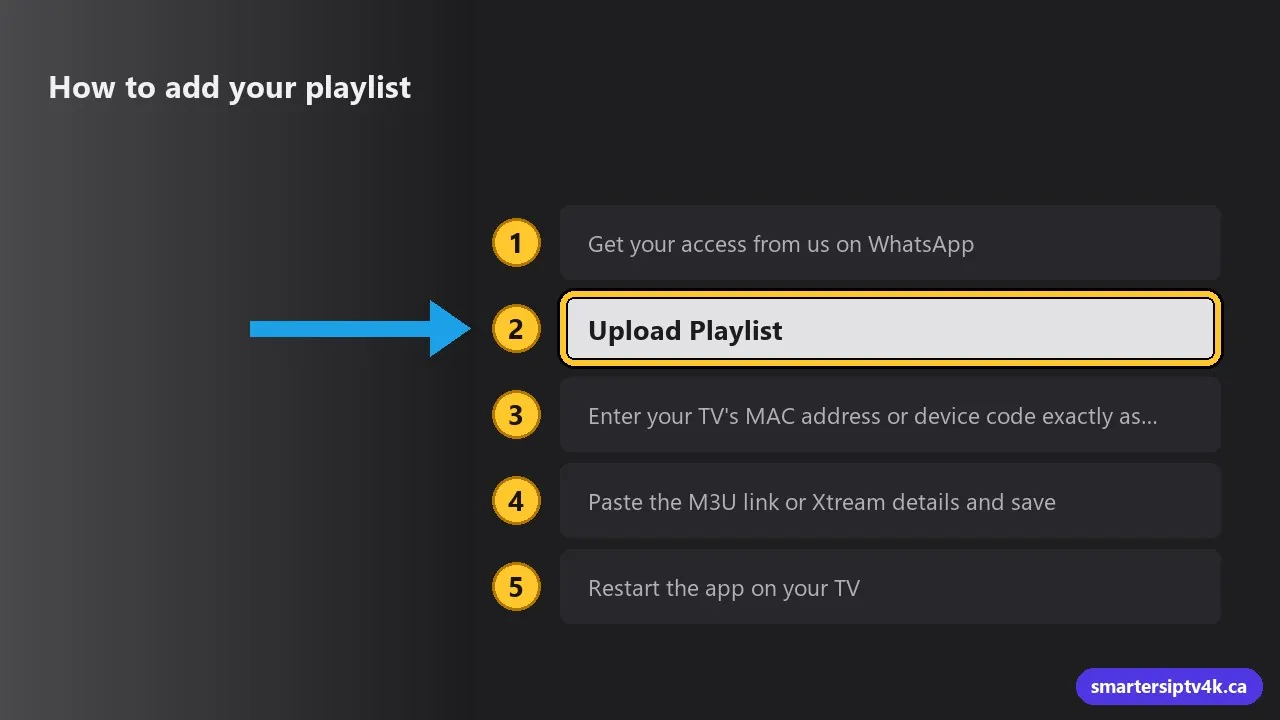
- Get your access from us on WhatsApp: an M3U link, or Xtream Codes details (username, password and server URL).
- On your phone or computer, go to the official SmartOne IPTV website and open the Upload Playlist section.
- Enter your TV’s MAC address or device code exactly as the app shows it.
- Paste the M3U link or Xtream details and save.
- Restart the app on your TV. Your channels load in a few seconds.
Want to test first? Ask for the 24-hour free trial.
Is SmartOne IPTV free?
The app has a trial period, after which the developer charges for activation. Prices and terms change, so check the official site before you pay. The activation is for the app only and includes no channels.
Common problems and fixes
- No channels after uploading: make sure you used the MAC shown in the app (TVs have one for Wi-Fi and one for Ethernet), then restart the app.
- Buffering: usually Wi-Fi. See IPTV buffering fixes and internet speed for IPTV.
- Slow menus on an older TV: a Fire TV Stick with IPTV Smarters is usually smoother. See IPTV Smarters on Firestick.
SmartOne IPTV: frequently asked questions
Does SmartOne IPTV include channels?
No. It is a player only. You need an IPTV subscription.
Does SmartOne IPTV work on Samsung and LG?
Yes. Its official site lists Samsung (Tizen and Orsay), LG (webOS and Netcast), Android TV, Fire TV, Hisense, TCL and more.
Can I use Xtream Codes with SmartOne IPTV?
Yes. It supports Xtream Codes accounts and M3U playlists.
Does your service work with SmartOne IPTV?
Yes. We send the M3U link or Xtream details and help you set it up on WhatsApp.