

Almost every IPTV app asks for a “URL” when you log in: a server URL, a portal URL or an M3U URL. If you are staring at that empty field wondering what to type, this guide explains what each one is, where it comes from, and how to enter it without errors. Here is where to get the URL for IPTV and how to use it in your app. For more background, see the M3U format on Wikipedia.
The short answer
The URL comes from your IPTV provider, together with your username and password. It is the address of the provider’s server. You cannot find it in the app or make one up; the app is just a player waiting for that address. With us, it arrives by email or WhatsApp as soon as your free trial or subscription is active.
The three types of IPTV URL
1. Server URL (Xtream Codes)
Used by IPTV Smarters, TiviMate, XCIPTV and most modern apps, together with a username and password. It looks like a website address with a port number:
http://server-name.example:8080
This is the most common and the easiest to use. Guide: IPTV Smarters login.
2. M3U URL (playlist link)
A single long link that contains the server, your username and password. Used by VLC, Kodi, GSE and other playlist-based players. Explained in what M3U is.
3. Portal URL (MAG and Stalker)
Used by MAG boxes and some Formuler setups, which connect by the device’s MAC address instead of a username. The portal URL often ends in /c/. You send us your device’s MAC address and we activate it; then you enter the portal URL in the box settings. See how to change the URL on an IPTV box.
Which one does your app need?
| App or device | URL type |
|---|---|
| IPTV Smarters Pro / Smarters Player Lite | Server URL (or M3U) |
| TiviMate | Server URL (or M3U) |
| XCIPTV | Server URL |
| VLC, Kodi, MyIPTV, GSE | M3U URL |
| MAG boxes | Portal URL |
| Formuler (MyTVOnline) | Portal URL or server URL |
Not sure? Tell us your app and device, and we send the exact details it needs.
How to enter a URL correctly
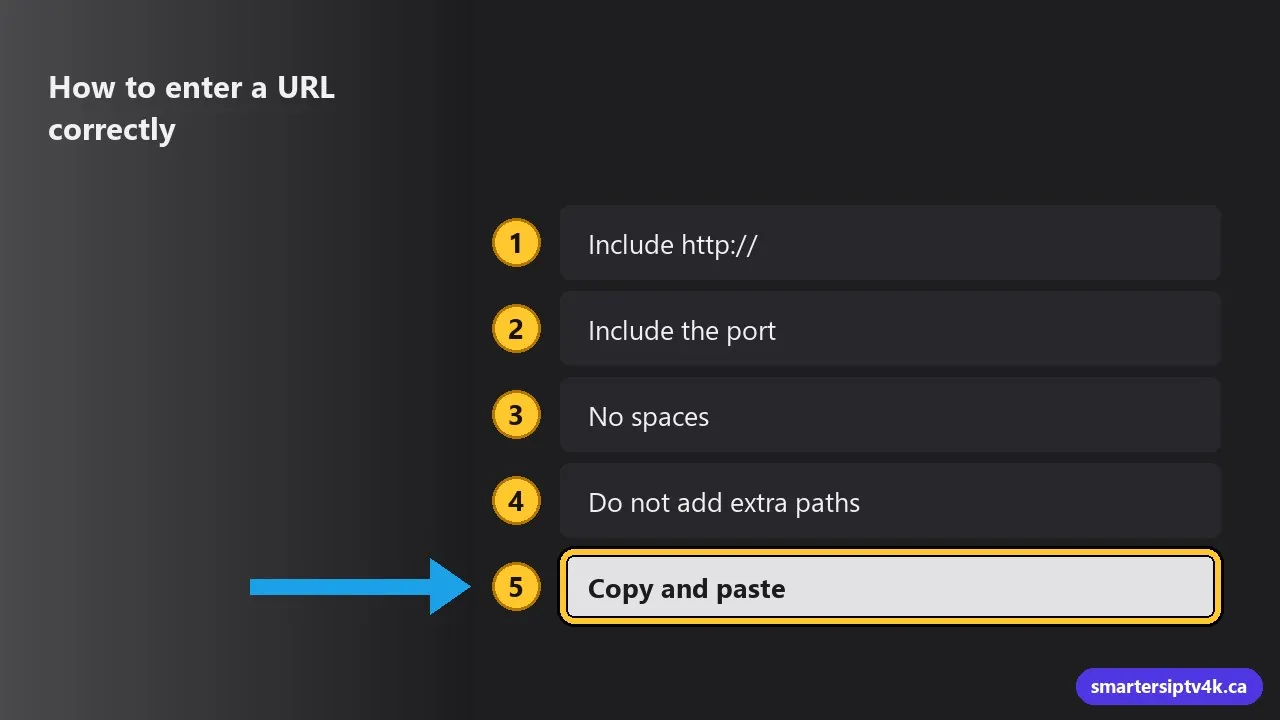
- Include
http://at the start. Many login errors come from leaving it out. Usehttps://only if we sent it that way. - Include the port, the number after the colon (like
:8080), if there is one. - No spaces before or after, and no full stop at the end.
- Do not add extra paths unless we included them. For the server URL, stop after the port.
- Copy and paste when you can. On TV devices, use your phone as a keyboard: the Google TV app on Android, or the iPhone keyboard prompt on Apple TV.
Common URL errors
“Invalid URL” or “Server not found”
Check the http://, the port, and any typos, such as a letter O instead of a zero. Try the login on a phone using mobile data: if it works there, the problem is your home network; restart the router.
“Invalid username or password” with a correct URL
The URL is fine; check the username and password, which are case sensitive. If you just upgraded from a trial, use your new login.
It worked yesterday, not today
Providers sometimes move to a new server address. If we change it, we tell you and send the new URL. See is IPTV down today to rule out other causes.
Keep your URL safe
Your URL, username and password work together like a key. Anyone who has them can use your screens, which can cause “maximum connections” errors for you. Do not post them online or share them outside your home. If you think someone else is using your login, message us and we will reset it.
What about free URLs online?
You will find websites and videos listing “free IPTV URLs”. They are unreliable, often stop working within hours, can carry malware risks, and usually stream content without permission. Read is free IPTV safe and free vs paid IPTV before trying one.
URL for IPTV: frequently asked questions
I lost my URL. How do I get it back?
Search your email or WhatsApp for our welcome message. If you cannot find it, contact us and we will resend your details.
Can I use the same URL on every device?
Yes. The same URL and login work on all your devices, within your plan’s screen limit. See multiple devices.
Is the server URL the same as a website?
No. Opening it in a web browser usually shows nothing useful. It is meant for IPTV apps only.
Need your details?
Request a free trial and we send your URL, username and password, plus a setup guide for your device.