

XCIPTV Player is a fast, lightweight IPTV app for Android devices and Firesticks. It opens quickly, handles large channel lists well, and has a clean layout for live TV, movies, series and catch-up. It is a great option for older or low-memory devices that feel slow with heavier apps. Follow these steps to set up XCIPTV Player in about five minutes. For more background, see Google TV Help.
This guide covers installing XCIPTV, logging in in under two minutes, and the settings worth changing.
Which devices run XCIPTV?
- Amazon Firestick and Fire TV
- Android TV and Google TV devices, including NVIDIA Shield
- Android phones and tablets
- Android-based boxes, such as many Formuler models
It is not available for Apple devices or Samsung and LG Smart TVs. For those, see our best free player apps.
Step 1: Install XCIPTV
Android phones, tablets and Android TV
Open the Google Play Store, search for XCIPTV Player and install it. If it is not offered on your TV model, use the Downloader method below.
Firestick
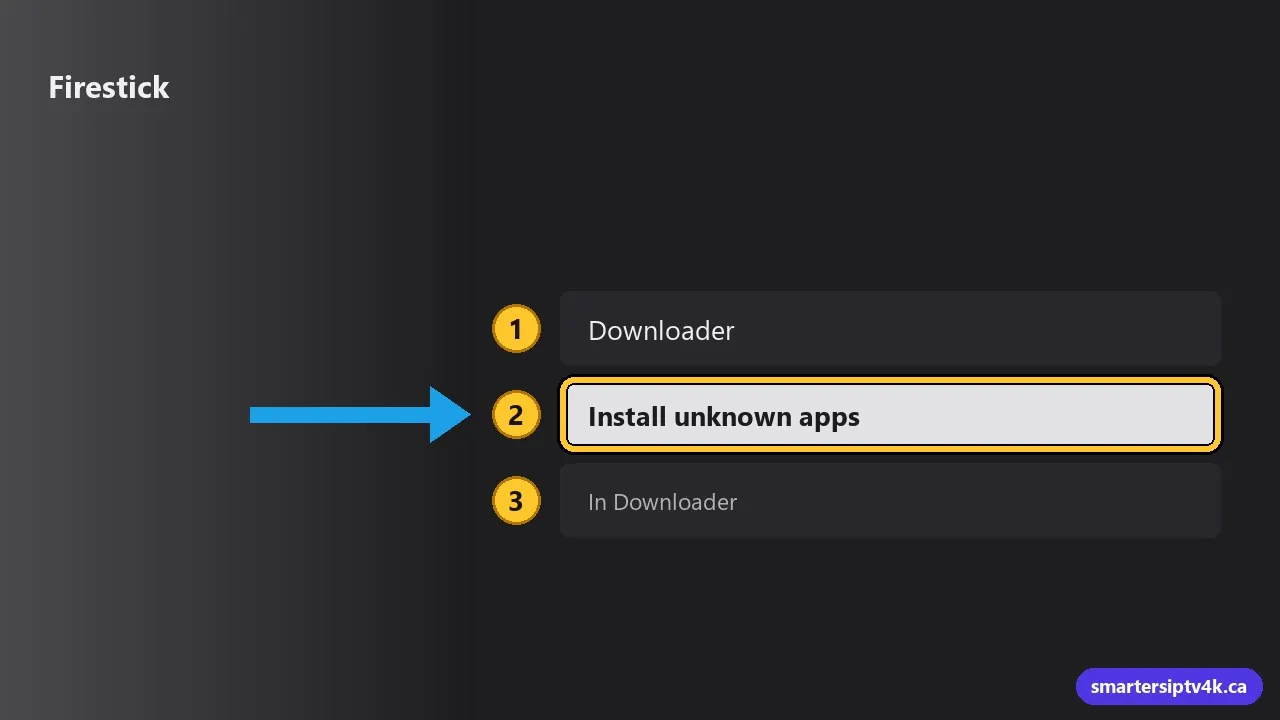
- Install Downloader from the Amazon Appstore.
- Turn on Install unknown apps for Downloader in Settings > My Fire TV > Developer Options.
- In Downloader, enter the official XCIPTV download address and install the app.
The Firestick guide shows the Downloader and developer settings steps in detail. Only download from official sources or a link we send you.
Step 2: Log in
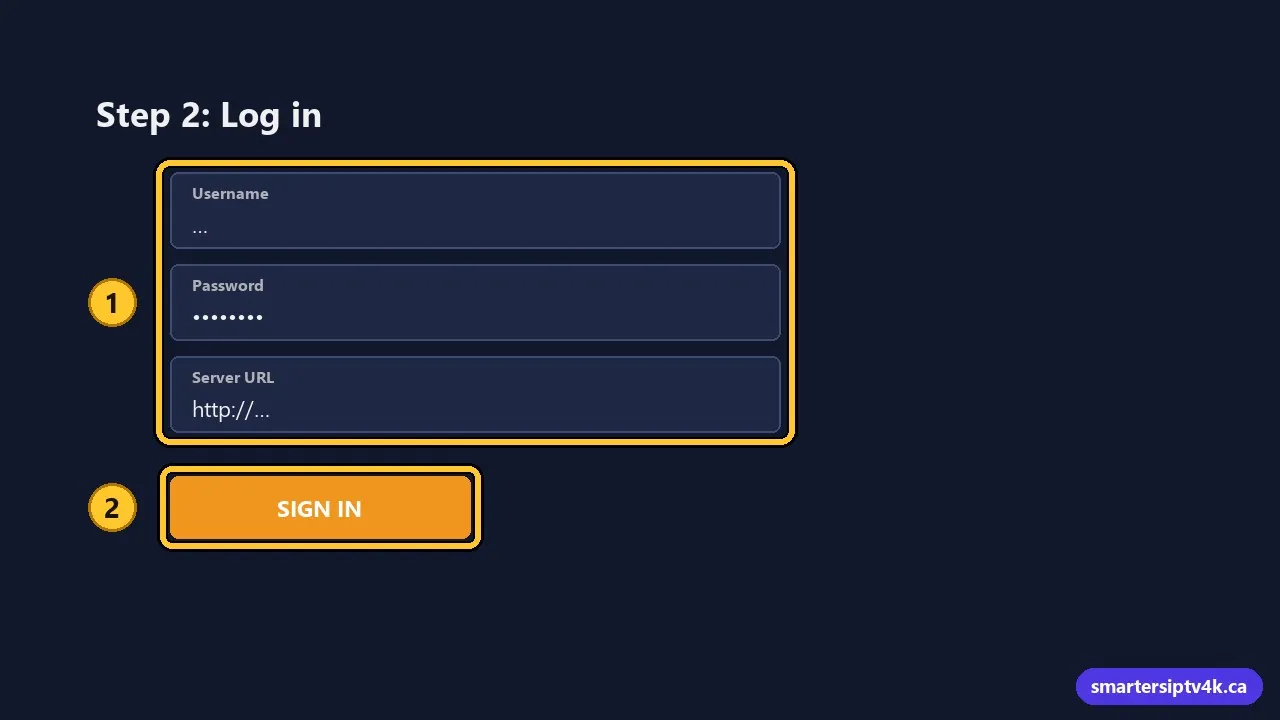
- Open XCIPTV. On the first screen, you see fields for Username, Password and Server URL.
- Enter the details we sent you exactly, including
http://and the port in the server URL. - Select Sign in.
- The app downloads live TV, movies, series and the guide. The first load can take up to a minute.
Some XCIPTV versions show an M3U option as well. The username and password login is faster and includes the TV guide. Not sure where your details are? See where to get your IPTV URL.
Step 3: Explore the home screen
- Live TV: channels by category, with a mini guide.
- EPG: the full TV guide grid.
- Movies and Series: the on-demand library with posters.
- Catch Up: programs that already aired, on supported channels.
- Favourites: your saved channels, movies and series.
- Settings: player, parental controls, EPG and appearance.
Settings worth changing
- Player: in Settings > Player, XCIPTV offers different video players. If a channel shows a black screen or stutters, switch and test again.
- Buffer size: if streams pause on Wi-Fi, increase the buffer in the player settings.
- EPG time offset: if programs are shifted by a few hours, set the offset for your time zone. Common for viewers in the West or in Newfoundland. See EPG guide.
- Auto-update: set channels and the EPG to refresh when the app starts.
- Parental control: set a PIN and lock adult categories. See IPTV parental controls.
Organize your channels
Long-press OK on a channel to add it to Favourites. Build a list with your local news, hockey and kids channels and open Favourites first. You can also hide categories you never use in the settings to shorten the list.
Common problems and fixes
“Invalid login” or authentication failed
Check each field for typos and trailing spaces. Use your current login if you recently upgraded from a trial.
Movies or series not showing
Use the refresh option on the home screen, or log out and in again. Clearing the app cache can help: how to clear the IPTV cache.
Buffering
Increase the buffer, switch the player, and check your Wi-Fi. Full checklist: IPTV buffering fixes.
XCIPTV vs other players
- Vs IPTV Smarters: XCIPTV is lighter and often faster on older devices; Smarters runs on more platforms. See IPTV Smarters guide.
- Vs TiviMate: TiviMate has a more advanced guide and recording (Premium); XCIPTV is simpler. See TiviMate guide.
XCIPTV Player: frequently asked questions
Is XCIPTV free?
Yes, the player is free. Your channels come from your subscription.
Can I use XCIPTV on several devices?
Yes, with the same login, within your plan’s screen limit. See multiple devices.
Need help?
Send us a photo of the XCIPTV login screen and we will help you in minutes. New here? Start a free trial.